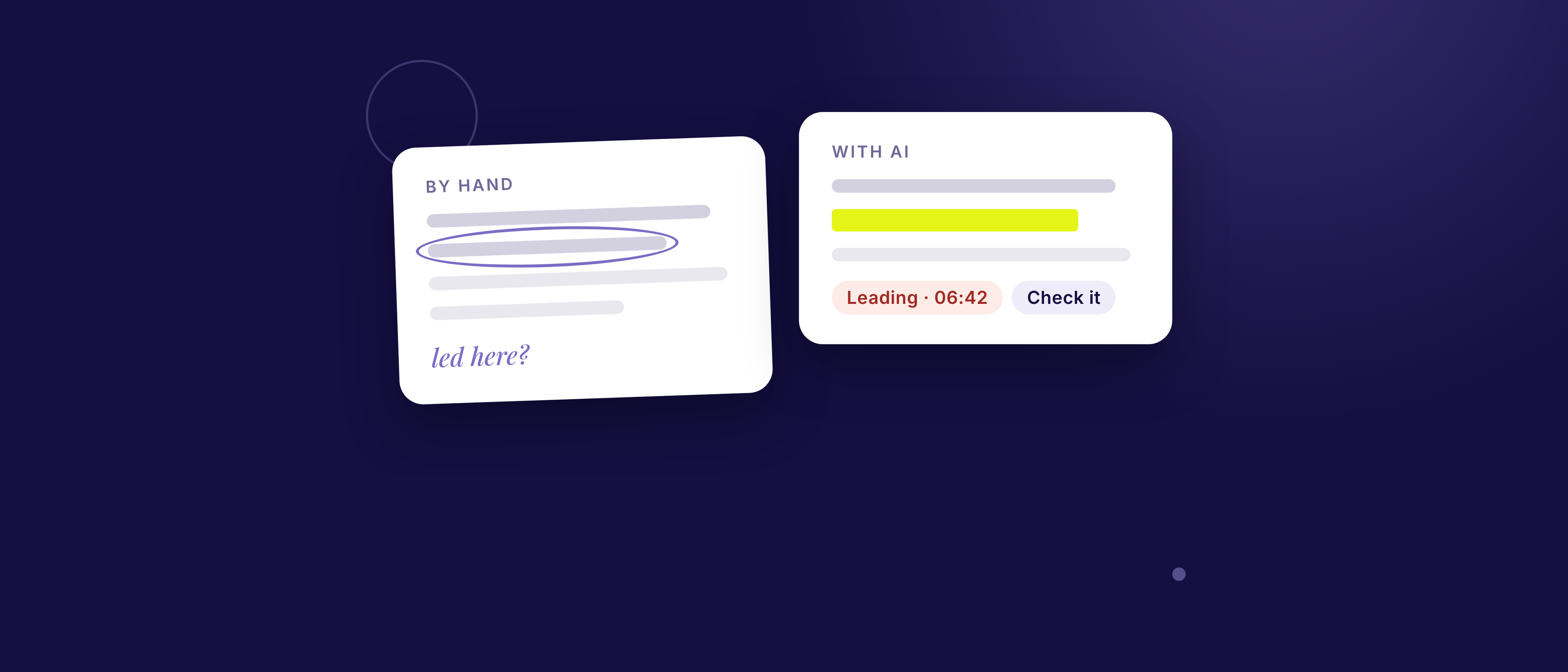
You can review an interview transcript by hand, with an AI tool, or both. By hand, you get deep understanding and full control, but it takes about an hour a call and it’s hard to spot your own habits. With AI, you get a fast, consistent first pass with exact quotes, but it can’t hear tone or see the room, and it can be confidently wrong, so you check what it says. Most people get the best results by using AI for a first pass and then reading the quoted moments themselves.
This guide is about reviewing your interviewing: where you led, where you missed a follow-up. Analysing what participants said across interviews (coding and themes) is a different job, covered by thematic analysis methods and research repository tools. The two connect: answers to leading questions stay shaky however carefully you theme them.
How do the two approaches compare?
Hand review wins on depth and context; AI wins on speed, consistency and spotting habits you no longer notice.
| By hand | With AI | |
|---|---|---|
| Time | About an hour for a 45-minute call | Minutes |
| Depth of understanding | High: you notice nuance and context | Good on patterns, weaker on tone and unspoken cues |
| Spotting your own habits | Hard, because you don’t hear them | Easier, because it reads what’s on the page |
| Consistency | Varies with your mood and energy | Applies the same checks every time |
| Evidence | You choose the quotes | Should quote exact lines you can verify |
| Cost | Your time | Depends on the tool |
| Risk | Missing things, or being too kind to yourself | Getting something wrong, or oversharing sensitive text |
How do you prepare a transcript for review?
A good review needs a transcript that shows who said what, when, and exactly how you phrased it. Spend five minutes on these:
- Speaker labels. Check your lines and the participant’s are separated correctly. Nielsen Norman Group’s Kate Moran and Maria Rosala note (2024) that AI transcription makes mistakes “especially when there are multiple speakers and poor-quality audio.”
- Timestamps. Keep them, so any finding points to a moment you can replay.
- Your words, uncleaned. Don’t tidy your own questions. The false start and the “…or would you say…” tacked on the end are what the review is for.
- Names replaced, not deleted. Use the same tag throughout: “[Participant]”, “[Colleague 1]”, “[Client company]”. The UK Data Service’s guidance on anonymising text recommends consistent, clearly marked replacements, and warns about “jigsaw identification”: a job title, a city and a project name can identify someone together.
How do you review a transcript by hand?
You read the transcript through once without judging, then go back with a pen and a short list of things to check.
What you need: a transcript, a pen or highlighter, and the 5-step audit.
Good for: learning what to look for, and catching subtleties you can’t put into a checklist.
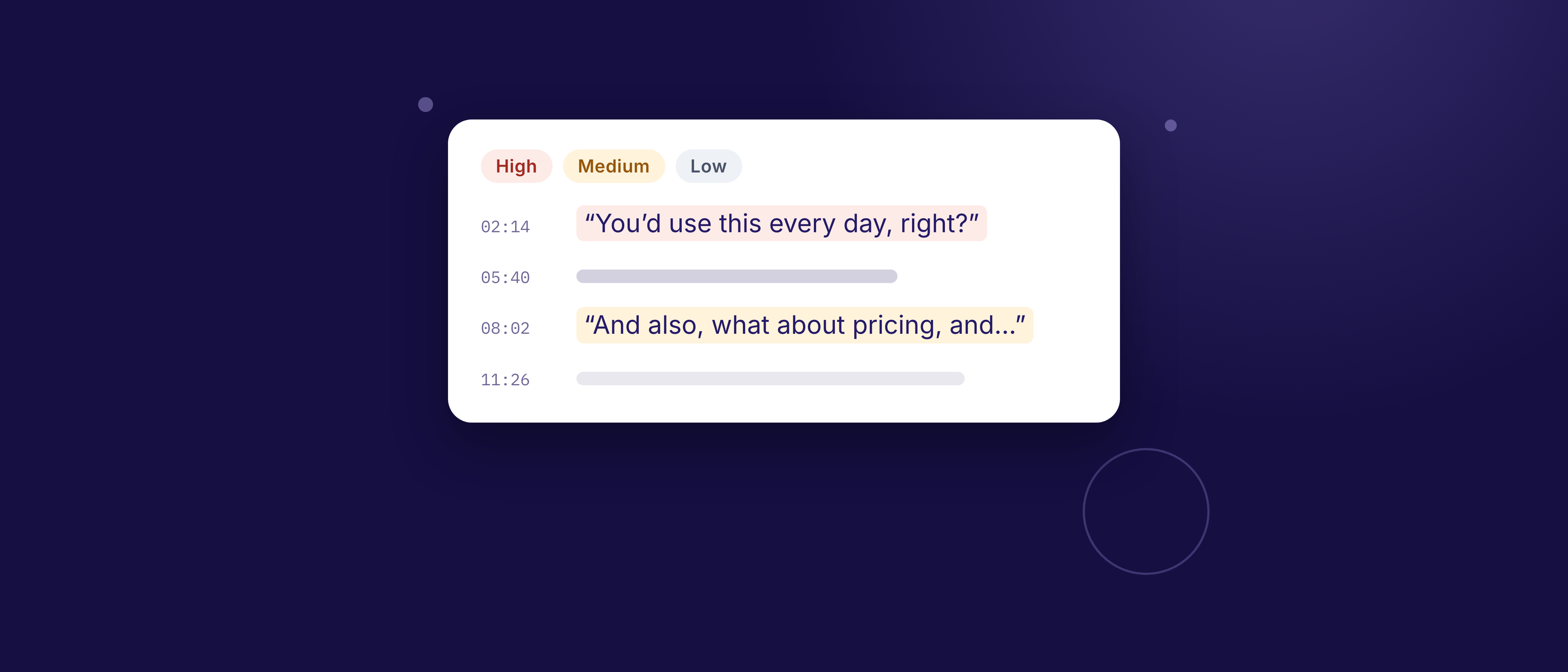
What to look for first: leading questions, yes/no questions where you wanted a story, and interesting answers you didn’t follow up.
Watch out for:
- You tend to go easy on yourself, or judge yourself too harshly.
- You may re-read what you meant, not what you said.
- It takes long enough that many people never do it twice.
How do you review a transcript with AI?
You give an AI tool a clean transcript, let it check your questioning, then verify what it finds against the transcript.
What you need: a clean transcript, a tool that shows evidence, and a few minutes.
Good for: a quick, consistent first pass; spotting patterns like repeated leading questions; suggesting specific rephrasing.
What AI can’t see:
- Tone of voice, pauses, and how long a silence lasted
- Body language and facial expressions
- Context you know but the transcript doesn’t (a previous call, the relationship, the room)
When NN/g’s Feifei Liu and Kate Moran tested AI research tools (2023), the tools were text-only and couldn’t be given the study goals, so “the system can’t know what’s most important or relevant to the researcher.” Tell any tool what kind of call it was: a question that’s fine in a sales call can be leading in a concept test.
What does AI get wrong, and how do you spot it?
AI is good at what’s on the page and weaker at what’s between the lines. In a study of AI-assisted analysis of 15 interviews, Martinez Montes and colleagues (2025, preprint) found expert reviewers preferred the AI’s codes 61% of the time, yet it still missed deeper, implied meanings.
Watch out for:
- Errors. AI can misread a line or overstate an issue. NN/g warns that AI systems “have a dangerous tendency to provide incorrect information that sounds plausible.” Check every quote against the transcript.
- Padding. A good report doesn’t invent problems to reach a number.
- Generic advice. If it could apply to any call, it’s not useful. Look for tools that point to your exact words.
- Privacy. See the checklist below.
Illustrative example. A review flags “So you’d switch tools if it saved you time?” as leading. If the participant had just described switching tools for that reason, you were checking your understanding. If you asked it cold, the finding stands. Same quote; the context decides.
A two-minute check for each finding:
- Search the transcript for the quote. If it isn’t there word for word, discard the finding.
- Read a few lines before and after. Does it still hold?
- Say the rewrite out loud. Would you actually ask it?
As NN/g puts it: “If doublechecking isn’t possible, don’t use it.”
How do you judge any review, yours or a tool’s?
A useful review, whoever wrote it, gives you evidence you can check and a change you can make. It has:
- An exact quote (with a timestamp or reference) for each issue
- A plain reason it matters
- A specific rewrite you could actually say
- A clear priority: what to fix first
- Strengths too, not only faults
If a review is missing any of these, ask for more or check by hand.
What’s the best way to combine the two?
Let AI do the first pass, then spend your own time on the few moments that matter.
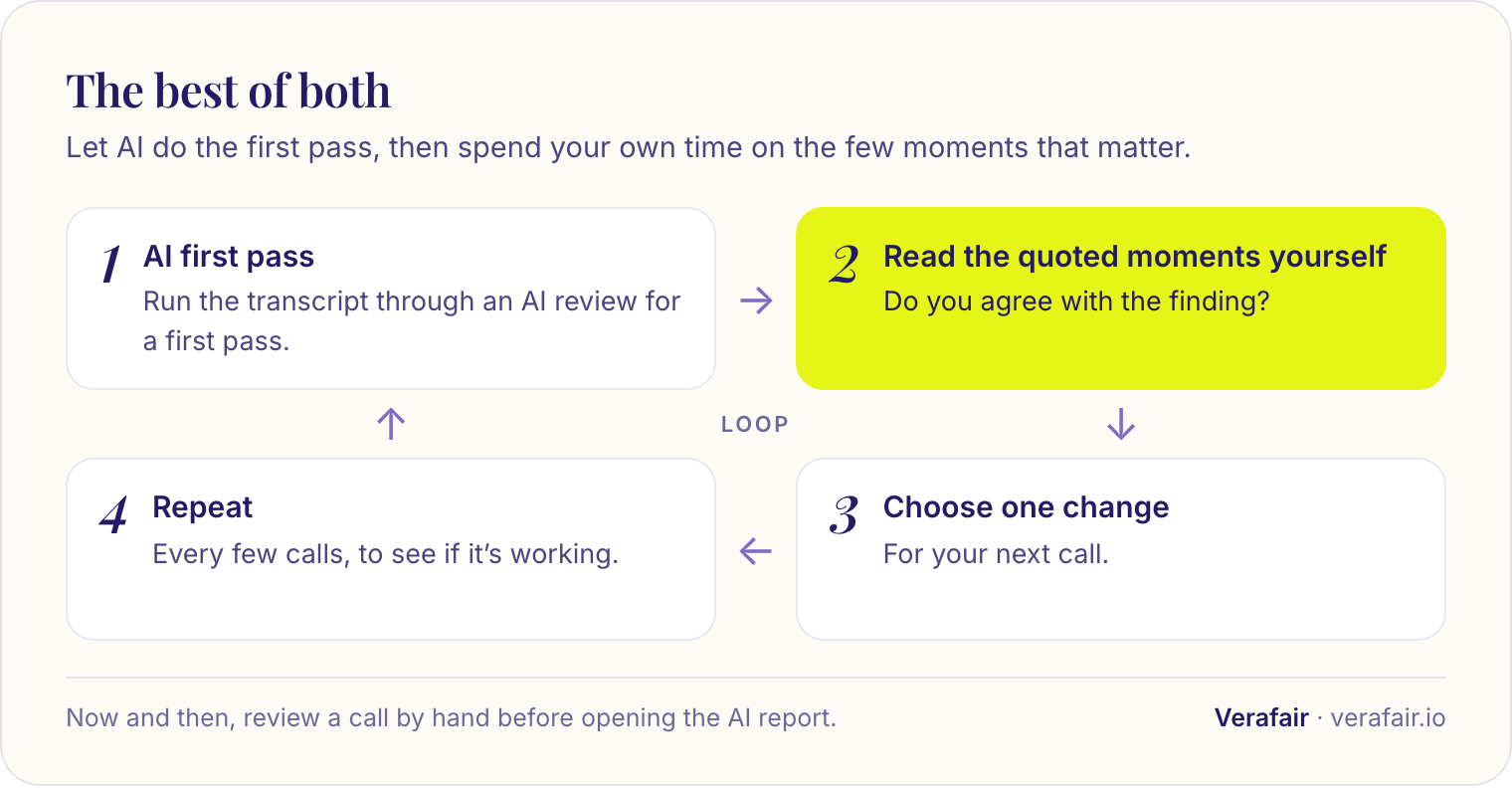
- Run the transcript through an AI review for a first pass.
- Read the quoted moments yourself. Do you agree with the finding?
- Choose one change for your next call.
- Repeat every few calls to see if it’s working.
Now and then, review a call by hand before opening the AI report. It keeps your judgment sharp and shows you what the tool misses.
Privacy checklist before you paste a transcript anywhere
A transcript is someone else’s words, so check these five things before it leaves your computer:
- The participant agreed to their recording being used for review
- Names, companies, and identifying details are replaced, including combinations of details that could identify someone together
- Nothing confidential from a client or employer is included
- You know where the text goes, whether it’s kept, and who can see the result
- You’ve checked your organization’s rules on AI tools
If you use AI to scrub names, check its work: NN/g notes (2024) that it can remove personal details but does make mistakes.
Where Verafair fits
Verafair is an AI first pass built for exactly this kind of review. You paste or upload a transcript, choose the call type (discovery call, usability session, focus group, concept test or customer feedback call), and get a report that meets the five tests above:
- Top priority: the one thing to do differently on your next call
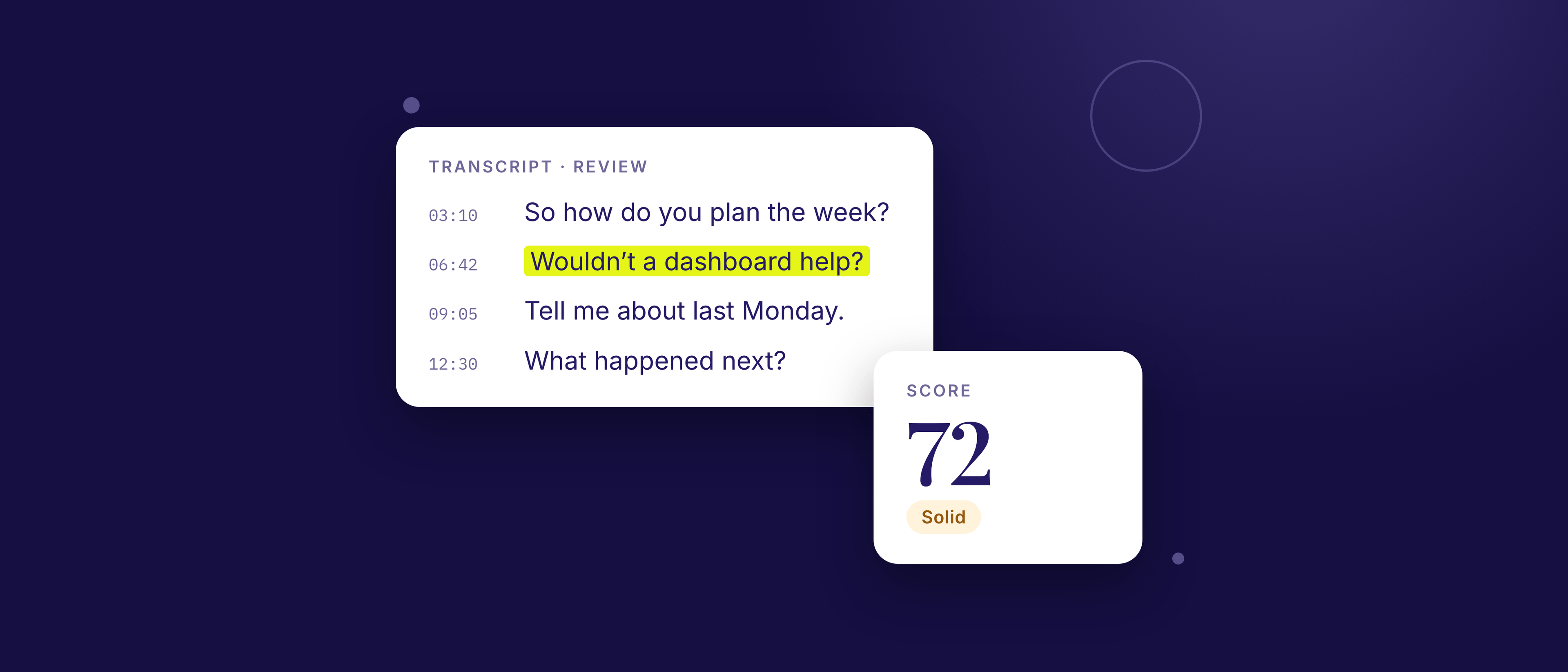
- A score out of 100, calculated from the issues and coverage below
- What to fix: up to three issues, each with the exact quote and where it happened, what it cost you in this call, why it matters, and an “Instead try” rewrite
- What to repeat: up to three strengths, each backed by a quote
- What this call covered: the core moves your call type needs, marked Covered, Partial, Missing or Compromised
- History, with a score trend, so you can see whether your changes are working
It doesn’t pad the list: a clean call gets fewer issues, not invented ones. It works with English, Arabic and mixed English–Arabic transcripts.
How your transcript is handled. To write the report, the transcript is sent to Verafair’s server and its AI provider, Anthropic. Verafair doesn’t keep it: a copy stays in your browser so you can read it next to your report. Your report is saved to your account and quotes short excerpts as evidence. Reports are private to you unless you create a share link, which never includes the transcript, and you can delete one report or all of them at any time. Run the privacy checklist above before you paste.
Cost. Free for 2 reports a month, with no credit card. Paid plans add more reports, unlimited history and PDF export; see pricing.
Use it as a first pass, then read the quoted moments and decide for yourself.
Check your own calls
Ready to try a first pass? Paste a transcript into Verafair, pick the call type, and check the quoted moments against your own reading.
Frequently asked questions
Can AI review a customer interview transcript? Yes. AI can read a transcript and point out patterns such as leading questions and missed follow-ups. It can’t hear tone or silences, so check its findings against the transcript.
Is it safe to paste a transcript into an AI tool? Only if the participant has agreed, you’ve replaced names and identifying details (including combinations like job title plus city), and you’ve checked your organization’s rules and how the tool handles your data.
How do I know the AI’s feedback is right? Search the transcript for each quote and read the lines around it. If a finding has no exact quote, plain reason and specific rewrite, don’t rely on it.
Can AI do thematic analysis of my interviews too? It can help code interviews and suggest themes, but it can miss deeper, implied meanings, so treat its themes as a draft. That’s a separate job from reviewing your interviewing technique.
How often should I review my calls? Every call at first, then every few weeks. Choose one change each time, and check whether it worked.